
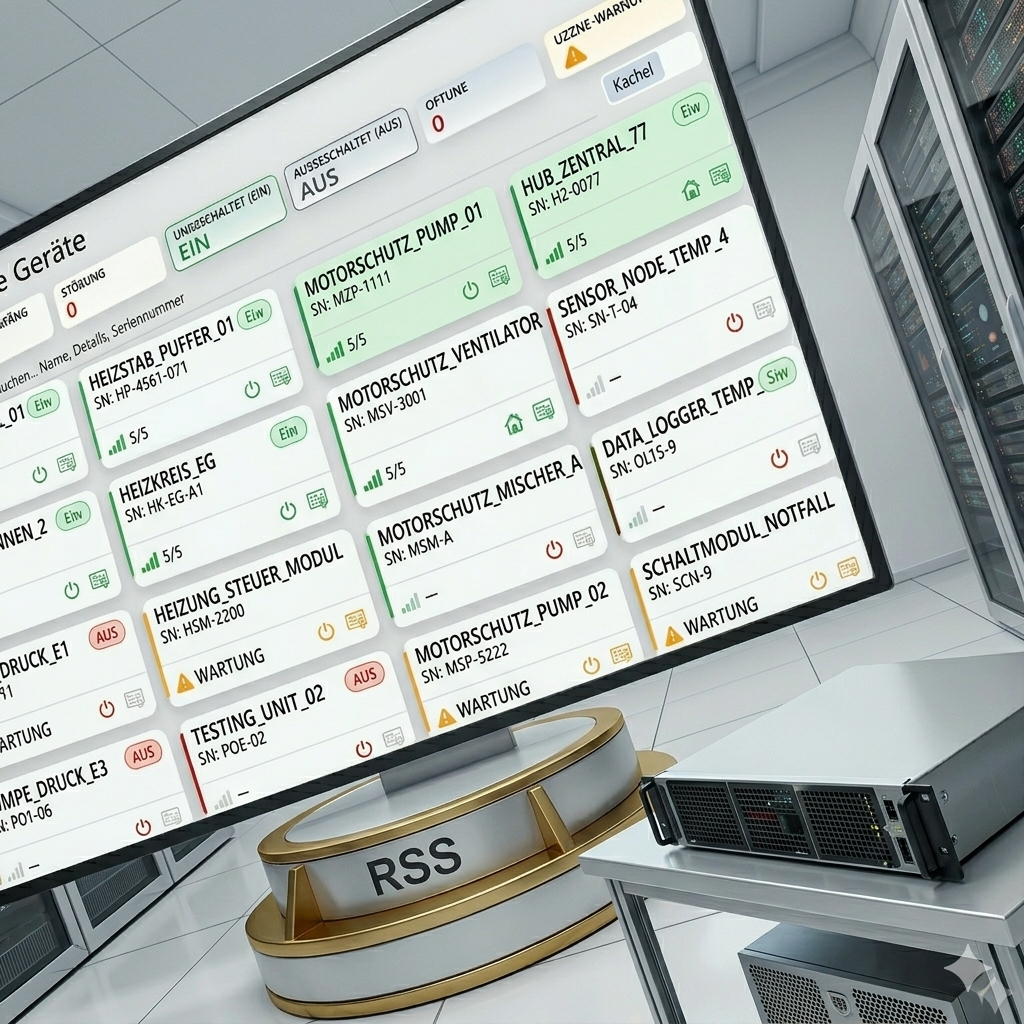
The existing "My Devices" view has been fundamentally revised and expanded with numerous functions. In this context, it will also take over the tasks of the previous "Device List", which will thus be completely eliminated.
New: Live Update
The overview updates automatically in the background – without manual reloading. The old device list did not offer this function.
01What has changed?
"My Devices" has been around for a long time – with the current update, the site presents itself in a revised design with a significantly expanded range of functions. Status overview, filters, search and live information are now bundled in one place. Since the new overview covers all relevant contents of the previous "Device List", it will be replaced in parallel.
02The most important innovations
-
01
Live update with pause function
The data is automatically updated at regular intervals. A countdown signals the next update; the refresh can be paused and restarted at any time.
-
02
Status Filter Tiles
Six quick filters show the number of devices per status. One click filters for a status, + Strg Klick can be used to combine several statuses (OR link). Total Devices resets the selection.
-
03
Full-text search
Searches in parallel by device name, details and serial number.
-
04
Tile or list view
Selectable with a toggle – ideal for different screen sizes and ways of working.
-
05
Status legend directly in the view
Explains the status terms and the filter behavior without a detour via the help.
-
06
Live indicators per device
Status badge, colored signal strength and quick access icons (operation, location/address, protocol). Error conditions are immediately recognizable by the red coloring.
03Status Definitions
| Status | Significance |
|---|---|
| ERRORS | Operation ON + Error Value > 0 |
| A | Operation active, no error |
| OFF | Operation off |
| Offline | Device unreachable |
| Without a license | License inactive |
04What does this mean for you?
- The modernized My Devices view is available automatically—no action is required on your part.
- The previous "device list" is completely omitted ; all information is now contained in "My Devices".
- Existing bookmarks or links to the old device list should be adapted to the new overview.
05Advantages at a glance
-
Live UpdateNew
Always up-to-date data without manual reloading – a plus compared to the old device list.
-
Faster overview
All status information about the asset inventory at a glance.
-
Targeted filtering
Several statuses can also be combined at the same time.
-
Fewer clicks
Faster way to get the information you need.
-
Uniform interface
One consolidated view instead of two separate pages.
 ]]]]>]]>